
Import Eventbrite Attendees into Eventor and Scan Their Tickets at the Door
Sell tickets on Eventbrite, run the door with Eventor: export the attendee report, import it with the ticket barcode as the scan value, and check guests in with the Eventor app on several devices, offline if needed.
Eventor team3 min read
Eventbrite is great for selling tickets. Its check-in app is less loved: one organizer wrote to us asking whether they could “pair Eventor with Eventbrite to save copy and pasting”. You can, in about ten minutes, and you do not have to send new QR codes: the Eventor app can scan the tickets Eventbrite already issued.
How it works
Every Eventbrite ticket carries a barcode number, which is what the QR code on the ticket encodes. Eventor lets you import that number as the guest’s barcode value and switch the event to scan that value instead of Eventor’s own codes. Guests show their Eventbrite ticket, your team scans it with Eventor, and the guest list, plus-ones, VIPs, multi-device sync and exports all work as usual.
Step 1: Export the attendee report from Eventbrite
- In Eventbrite open your event and go to Manage attendees → Orders (or Reports → Attendee summary).
- Choose Export and pick CSV or XLSX.
- Make sure the export includes at least First Name, Last Name, Email and Barcode # (in some layouts called Ticket ID or Attendee #). Add Ticket Type if you want it in the notes.
Open the file and delete cancelled or refunded orders (filter the Order Status column) so refunded tickets cannot be scanned in.
Step 2: Enable custom barcodes on your Eventor event
- Create the event at events.eventor.app with a package that fits your attendee count.
- Open the event settings and enable Custom barcode value. This tells the app to look up scanned codes by the imported barcode value rather than the internal guest ID.
- Leave the barcode type on QR code for Eventbrite tickets. (Code 39 is available for printed 1D barcodes.)
Step 3: Import the attendees
- Drag the Eventbrite file onto the event page.
- Check the automatic column matching: First Name → First name, Last Name → Last name, Email → E-mail, Barcode # → Barcode value, Ticket Type → Notes.
- Press Import.
One row per ticket becomes one guest, which is what you want at the door: a buyer with four tickets appears four times, once per ticket, each with its own barcode. If you prefer one row per buyer with plus-ones, use the Orders export and map the ticket quantity minus one to Total extras.
Step 4: Test one ticket
Open the Eventor app on your phone, go to the event, tap the scanner and scan the QR code on one of your own Eventbrite tickets (the PDF or the Eventbrite app both work). The guest’s name should pop up and be checked in. Reset the check-in afterwards.
If the scan says not found, compare the value the scanner shows with the barcode column in your file. In rare cases an export contains the order number rather than the ticket barcode; re-export the attendee report with the Barcode # column.
Keeping the list current
Sales continue until the doors open. Re-export the attendee report before the event and import only the new rows; Eventor imports are incremental. To catch late refunds, delete those guests by hand or replace the whole list with the final export using Delete the existing guests in the advanced options.
We can do this for you. QR code campaigns by e-mail, WhatsApp or Paperless Post are included for Gold customers and available as a service for every event. Write to support@eventor.app.
Why organizers do this
- Several scanners at once on iPhones, iPads and Android devices, with one live list. See multi-device check-in.
- Works offline when the venue Wi-Fi fails. See offline check-in.
- Plus-ones, VIP flags and notes at the door, and door-only staff logins.
- One export with check-in times for all attendees, whichever channel they bought from. Add your sponsor and press lists to the same event.
Frequently asked questions
Does this work with other ticketing tools? Yes, with any tool that exports a per-ticket barcode or ID: Ticket Tailor, Weezevent, Pretix, Universe, Billetto, and your own database. Map the code column to Barcode value.
Can guests without an Eventbrite ticket still be checked in? Of course. Search by name and tap, or add walk-ins on the spot.
What if I also want Eventor’s own QR codes for some guests? An event scans either its own codes or custom barcode values, not both. Put the Eventbrite barcode of the ticket holders in the barcode column and give non-ticket guests a name-based check-in.
Try the flow with a free event: events.eventor.app.
Try it yourself
Run your next check-in with Eventor
Free for up to 30 guests. Import Excel, invite your team, scan QR codes on iPhone, iPad and Android.
Keep reading
 Integrations
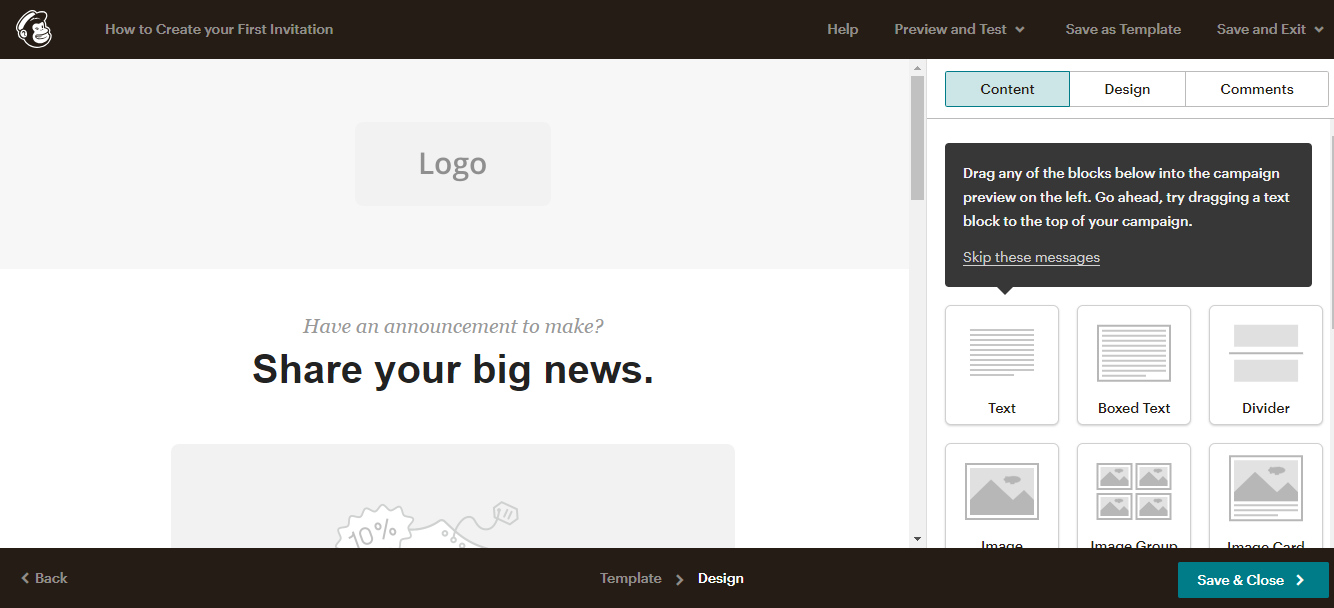
How to Send Eventor QR Codes to Your Guests with Mailchimp
Step by step: export the per-guest QR code links from Eventor, import them into a Mailchimp audience as a merge field, and send every guest their personal QR ticket in one campaign.
· 6 min read

Sending Guest QR Codes over WhatsApp (and SMS)
For small and VIP guest lists, WhatsApp beats e-mail: higher open rates and the code is on the guest's phone at the door. How to get each guest's Eventor QR code and send it over WhatsApp or SMS.
· 3 min read
 Guides
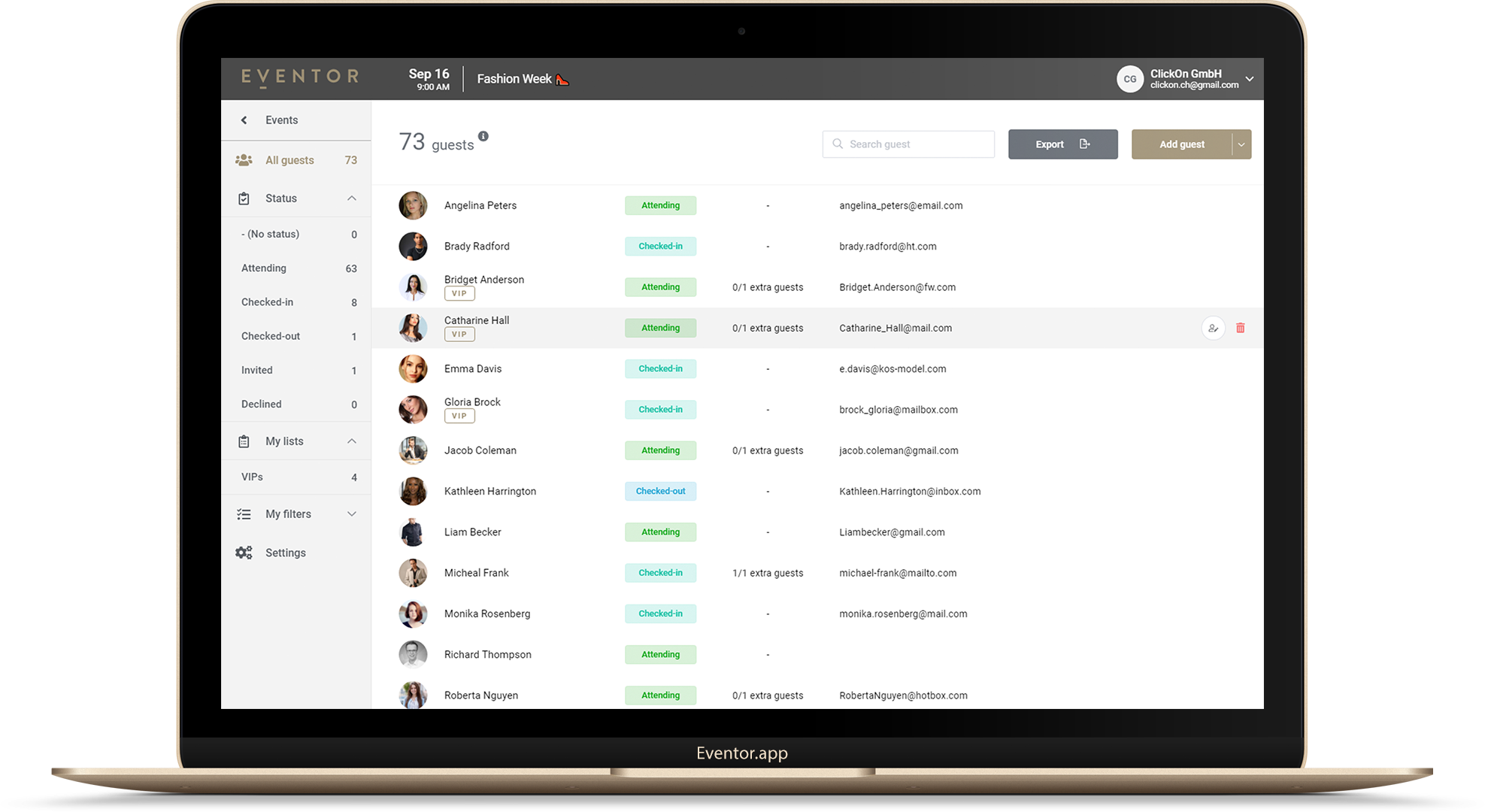
How to Import an Excel or CSV Guest List into Eventor (and Fix the 5 Things That Break It)
Drag-and-drop import, automatic column matching, the two mandatory columns, adding guests later, replacing a whole list, and the five spreadsheet mistakes that cause failed imports.
· 4 min read