Skip to content

Features

Everything you need at the door, nothing you have to learn

Eventor is deliberately focused: the guest list, the team, and the check-in. Here is what that includes, in detail.

Guest list

Build the list in the web dashboard, keep it live on every device.

Excel & CSV import with column matching

Drop .xlsx, .xls, .xlsb or .csv files. Headers such as first name, e-mail, VIP or company are matched automatically; map the rest with a dropdown.

Replace or top up a list

Import in chunks as RSVPs arrive, or replace the whole list in one step with the delete-existing option.

Rich guest records

Name, e-mail, phone, company, job title, notes, VIP flag, photo, status, plus-ones and a custom barcode value.

Fuzzy search

Find “Cathrine Hal” even when the list says Catharine Hall. Search covers name, e-mail, phone, company, title and notes.

Guest statuses

Attending, invited, declined, checked-in and checked-out. Only attending guests appear on the door list.

Free Excel template

Start from our ready-made template with the mandatory and optional columns already in place.

Check-in on the door

Fast for the hostess, clear for the guest, live for the organizer.

One-tap check-in

Tap to check a guest in, long-press to check them in together with all their plus-ones, tap again to undo.

Multi-device, real time

Up to 30 phones and tablets share one list. Every check-in is reflected everywhere within a second.

Works offline

Lost the venue Wi-Fi? Check-ins are stored on the device and synced automatically when the connection returns.

Plus-ones and partial arrivals

Each guest can bring up to 10 extras. Check in 2 of 4 now and the rest later; counters stay accurate.

Check-out mode

Switch the app to check-out to record departures with a timestamp: useful for capacity and multi-session days.

Live progress

See how many guests have arrived, split by VIPs and plus-ones, on the phone and in the dashboard.

QR codes & barcodes

Every guest gets a unique code. Scanning takes under a second.

Built-in QR scanner

Camera scanning on iOS and Android with lock-on, one code at a time and a clear confirmation screen.

Bring your own ticket IDs

Already sold tickets elsewhere? Import the ticket or member ID as the barcode value and scan those codes instead.

QR and Code 39

Choose QR codes or classic Code 39 barcodes per event, for printed badges or wristbands.

Export codes for e-mailing

Export the per-guest QR links and send them with Mailchimp, WhatsApp or any e-mail tool. We have a step-by-step guide.

Team & roles

Hand a tablet to anyone without handing over your list.

Four roles

Owner, manager (full guest access), promoter (adds their own guests within a quota) and check-in only.

Shared events

Team members see the events shared with them on web, iPhone, iPad and Android, with the same role everywhere.

Invite by e-mail

Invite colleagues in seconds; new members get their sign-in details and the app links in one e-mail.

Push notifications

Get a push notification on your phone when a VIP checks in or a new device joins your event.

Data security

Your guest list is personal data. Here is how we look after it.

Stored in secure datacenters

Guest data is stored in Google Cloud datacenters in Germany and Switzerland, with daily backups and automatic failover. We never sell or share it.

Encrypted in transit and at rest

Every connection uses TLS behind Cloudflare, and data is encrypted on disk. Card payments are handled by Stripe; card numbers never reach us.

Access under your control

Roles decide who can see and edit the list, on web, iOS and Android. Door staff with a check-in-only role never see exports or other events.

Yours to export or delete

Export Excel or CSV at any time. Delete an event or your account and the guests, photos and check-in history are removed from our servers.

Available everywhere your team is

The six devices organizers bring to the door most often, from 24,000+ check-in devices registered since 2024. Any of them, and any laptop with Chrome or Safari, runs the full check-in.

See the full device catalog
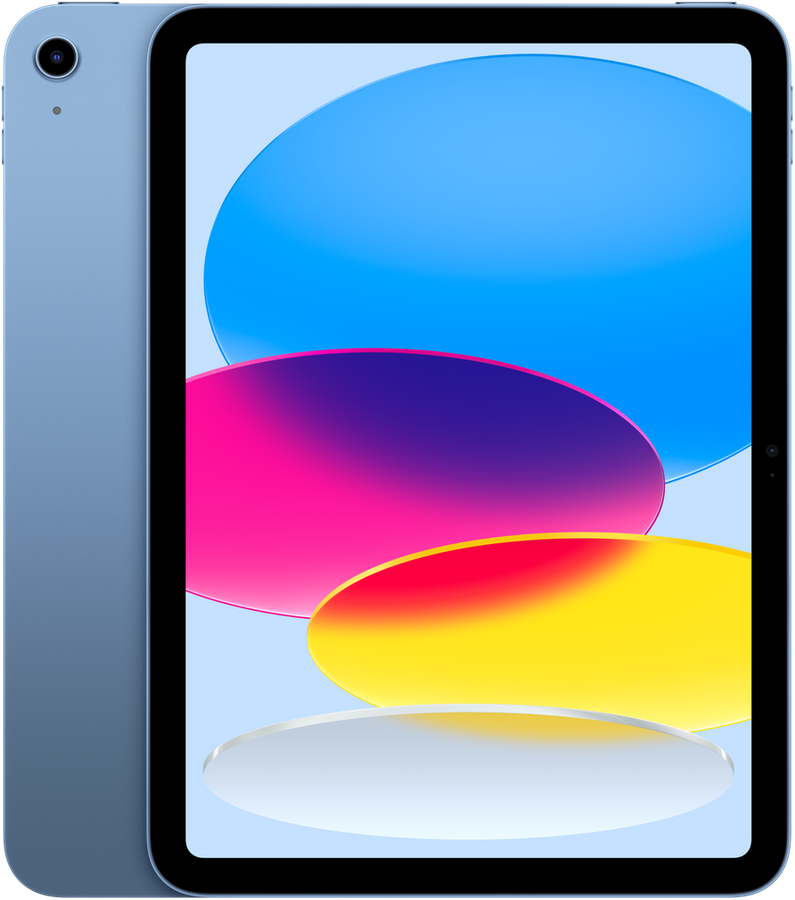
iPad (A16, 11″)iOS app$$

Apple

iPad (A16, 11″)

Best for: Seated welcome desk, one hostess per device

The most used tablet at the door: 1,475 registrations of the iPad 9th, 10th and 11th generation since 2024

iPad Air (M-series, 11″ or 13″)iOS app$$$

Apple

iPad Air (M-series, 11″ or 13″)

Best for: Premium entrances, VIP desks, brand events

590+ registrations of the M-series iPad Air since 2024

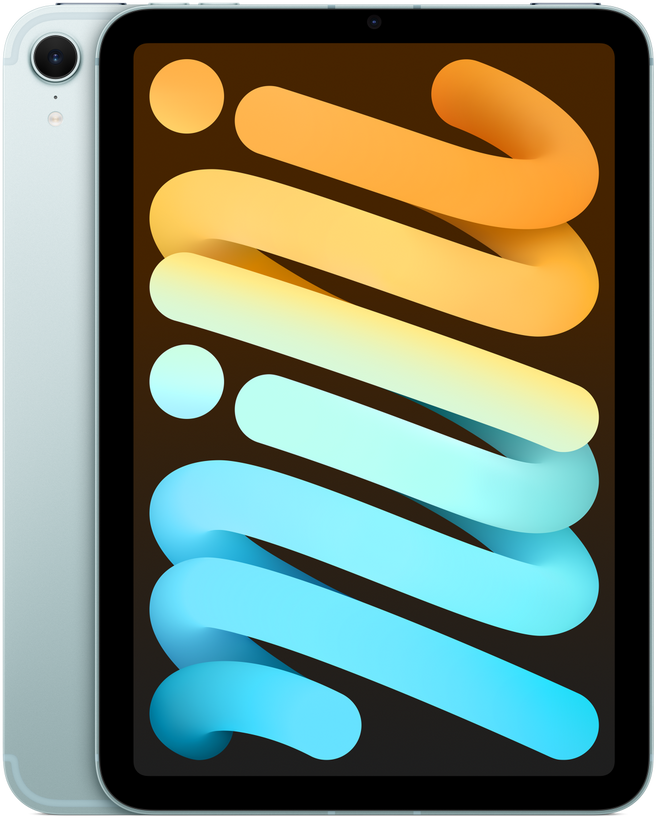
iPad mini (8.3″)iOS app$$

Apple

iPad mini (8.3″)

Best for: Roaming hostesses, queue busting, VIP escorts

260+ registrations since 2024, the favourite of PR agencies

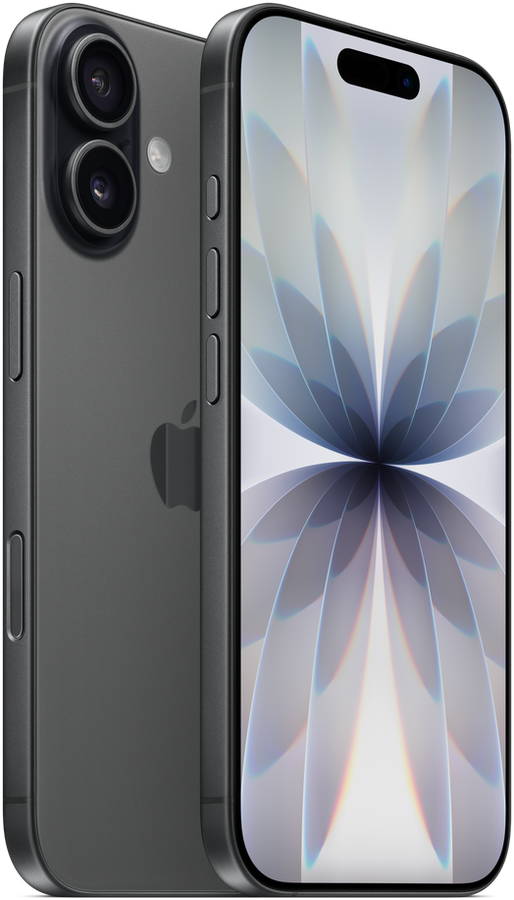
iPhone 13 to 17iOS app$$

Apple

iPhone 13 to 17

Best for: Any door. Your team already has one in their pocket

The most common check-in device overall: 15,700+ iPhone registrations since 2024, 64% of all devices

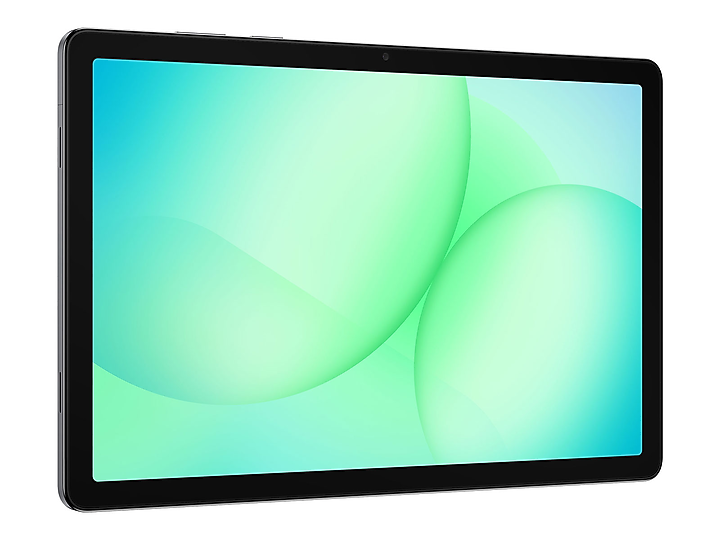
Samsung Galaxy Tab A11+ (11″)Android app$

Samsung

Samsung Galaxy Tab A11+ (11″)

Best for: Multi-device setups on a budget, rental fleets

The most used Android tablet line: 440+ registrations of the Galaxy Tab A8 and A9 since 2024

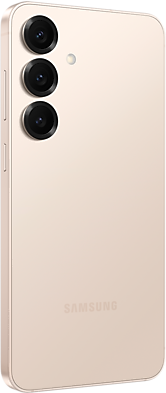
Samsung Galaxy S23 to S25Android app$$

Samsung

Samsung Galaxy S23 to S25

Best for: Android teams, promoters with their own phones

190+ registrations of the Galaxy S series since 2024

Mac or Windows: Chrome, Safari, Edge or Firefox

The web dashboard at events.eventor.app checks guests in by name just as easily, with the biggest list view of all, and it is where imports, exports and team management live. Two things stay with the apps: QR scanning with the camera, and offline check-in when the venue connection drops.

events.eventor.app
Download on the App StoreGet it on Google Play
Events and packages are created and paid for in the web dashboard; the mobile apps are for the door team.

Good to know before you start

We would rather tell you now than in a support ticket.

  • No ticket salesEventor does not sell tickets or collect payments from guests. Import your attendees from your ticketing tool instead.
  • No seating chartsThere is no table planner. Put the table number in the notes field; it shows on the list and in search.
  • QR codes are sent by you, or by usEventor generates a unique QR link per guest; you send it with Mailchimp, Paperless Post or any e-mail tool using our guides. Gold customers can hand the campaign setup to us.

Your next event deserves a queue-free entrance

Create an event, drop in your Excel list and hand the app to your door team. It takes minutes, not a training session.

Free for up to 30 guests · No credit card · iPhone, iPad, Android and web