
Eventor Pricing Explained: Free Plan, Pay per Event, or a 3-Month Subscription
What is free, what a Bronze, Silver or Gold event costs, how the 3-month subscription renews, which currency you are billed in, and how to cancel. Written to answer the questions our support team hears most.
Eventor team4 min read
Most support questions we receive are not about the app. They are about the bill: Is this a subscription? Why can I only add 30 guests? How do I cancel? This article answers all of them in one place. Current prices in your currency are always on the pricing page.
The free plan
Every account can run one upcoming event with up to 30 guests, 1 check-in device and 1 team member, free, forever. No credit card, no trial clock, all features included: Excel import, QR codes, team members, exports.
When the event is over you can create the next free one. If you need a second upcoming event at the same time, or more than 30 guests, that event needs a package.
Why 30 guests? It is enough for a team dinner, a workshop or a proper test with your colleagues before a big night, and it keeps the free tier sustainable for a small Swiss company that does not sell your data.
Pay per event: Bronze, Silver, Gold
When you create an event, or later via Upgrade, you choose a package for that one event:
| Package | Guests | Devices at the same time | Team members |
|---|---|---|---|
| Free | 30 | 1 | 1 |
| Bronze | 300 | 3 | 4 |
| Silver | 800 | 10 | 12 |
| Gold | Unlimited (technical ceiling 15,000) | Unlimited (30) | Unlimited |
Three things people are relieved to hear:
- It is a one-time payment. Nothing renews and there is nothing to cancel. The checkout says event package.
- Limits are per event, not per account. A Silver event has 800 guests and 10 devices regardless of what your other events use.
- Upgrading costs the difference. Bronze to Silver mid-way through your RSVPs? You pay Silver minus what you already paid for Bronze.
The features are identical in every package, free included. You pay for capacity.
Subscription: unlimited events
Agencies, venues, promoters and universities that run events every month can subscribe instead. A subscription gives you unlimited events at the subscribed level (Bronze, Silver or Gold limits per event) for a monthly price.
Read this part carefully, because it is the source of most misunderstandings:
- The subscription has a minimum term of 3 months.
- It is billed monthly and renews automatically after the 3 months until you cancel.
- Cancellation takes effect at the end of the current paid month.
- Events you created during the subscription stay accessible (and exportable) after it ends.
If you only have one event coming up, do not subscribe. Buy the event package. If you have three or more events in the next quarter, the subscription is cheaper.
How to cancel
Write to support@eventor.app from the e-mail address on your account, or use the chat in the dashboard. Say which account and that you want to cancel; we confirm the end date in writing. There is no phone line, and you never need to cancel a one-time event package.
Currencies
Prices are shown and charged in the currency of the country you are visiting from: CHF in Switzerland, EUR in most of Europe, GBP, USD, CAD, AUD, AED and HKD. The pricing page detects your country at our edge network and shows that currency; what you see there is what Stripe charges at checkout. We accept Visa, Mastercard and American Express.
Invoices and VAT
Enter your company name and VAT number at checkout and the invoice carries them. Swiss VAT applies to Swiss customers. EU businesses with a valid VAT ID are billed under the reverse-charge mechanism, so no Swiss VAT is added. Invoices are e-mailed after payment; if you need one re-issued, e-mail us with the payment date.
Refunds
Purchases cannot be cancelled once paid and unused purchases are not refunded. If a charge was made in error, contact us within 10 days and we will resolve it. Please talk to us before disputing a card payment: a chargeback locks the account while it is investigated. The full policy is in the help center.
Which option is right for you
| You run | Choose |
|---|---|
| One small event, under 30 guests | Free |
| One event, 30 to 800 guests | Bronze or Silver event package |
| One large event, festival, multiple entrances | Gold event package |
| Several events every month | Subscription at the level of your biggest typical event |
| Events for clients as an agency | Subscription, and invite clients as team members |
Still unsure? Send your event dates and guest counts to support@eventor.app and we will tell you the cheapest option. See the current prices on the pricing page.
Try it yourself
Run your next check-in with Eventor
Free for up to 30 guests. Import Excel, invite your team, scan QR codes on iPhone, iPad and Android.
Keep reading
 Integrations
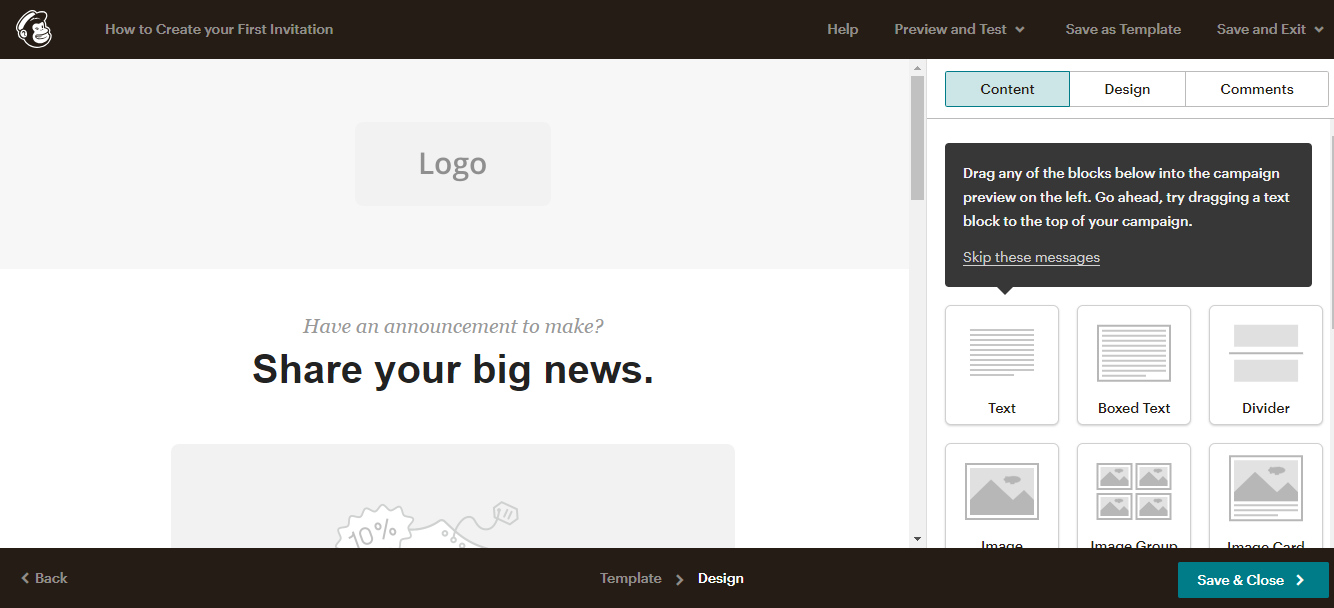
How to Send Eventor QR Codes to Your Guests with Mailchimp
Step by step: export the per-guest QR code links from Eventor, import them into a Mailchimp audience as a merge field, and send every guest their personal QR ticket in one campaign.
· 6 min read

Sending Guest QR Codes over WhatsApp (and SMS)
For small and VIP guest lists, WhatsApp beats e-mail: higher open rates and the code is on the guest's phone at the door. How to get each guest's Eventor QR code and send it over WhatsApp or SMS.
· 3 min read
 Guides
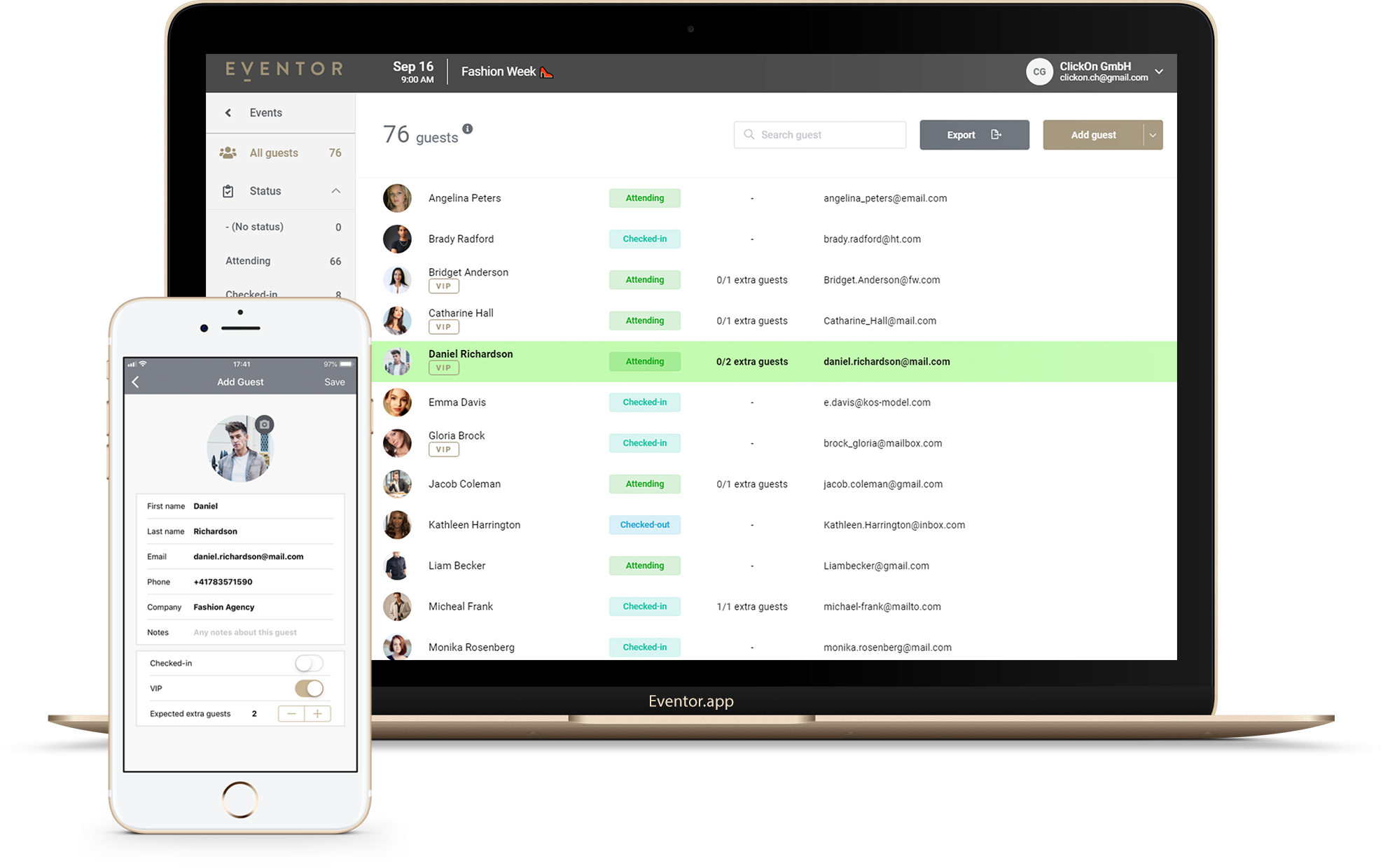
How Many Devices Can Scan at Once? Running Multi-Device Check-in with a Team
Two entrances, five hostesses, one guest list. How many phones and iPads can check in guests at the same time in Eventor, how to invite door staff safely, and how to lay out the entrance.
· 4 min read