Skip to content

Catálogo de dispositivos

Los mejores dispositivos para el check-in de eventos

Ordenados según lo que los organizadores realmente llevan a la puerta. Todos los dispositivos ejecutan la app Eventor o el panel web; las notas indican dónde destaca cada uno.

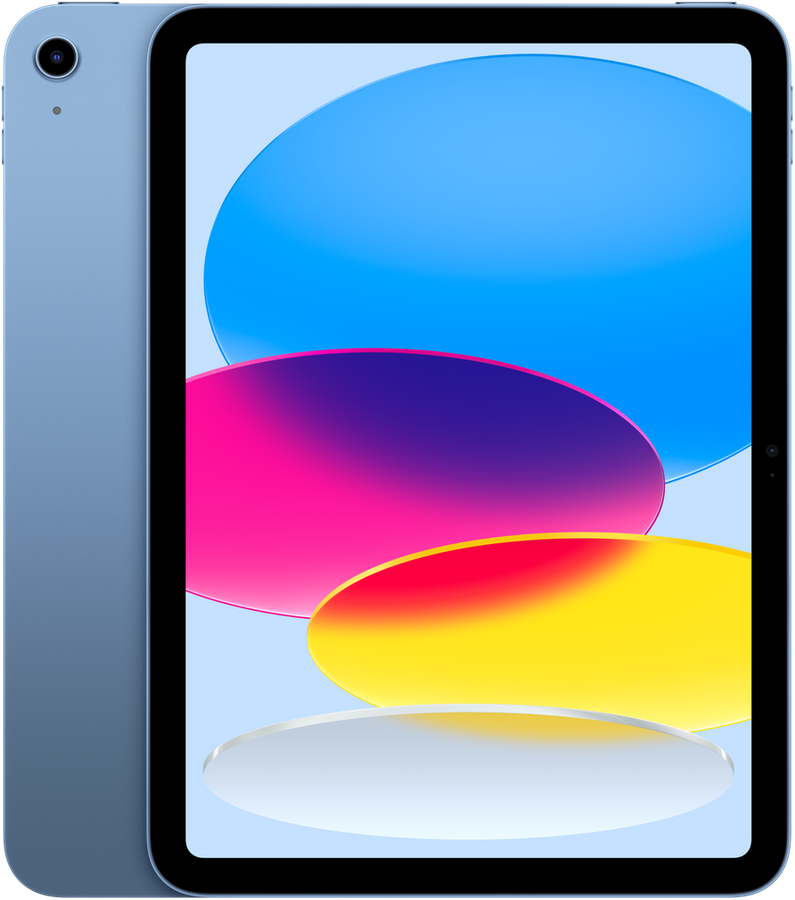
iPad (A16, 11″)iOS app$$

Apple

iPad (A16, 11″)

Ideal para: Seated welcome desk, one hostess per device

  • 11″ Liquid Retina, readable in daylight
  • 12 MP camera, scans QR codes at arm’s length
  • About 10 hours of screen-on time
  • iPadOS 17 or later

The most used tablet at the door: 1,475 registrations of the iPad 9th, 10th and 11th generation since 2024
iPad Air (M-series, 11″ or 13″)iOS app$$$

Apple

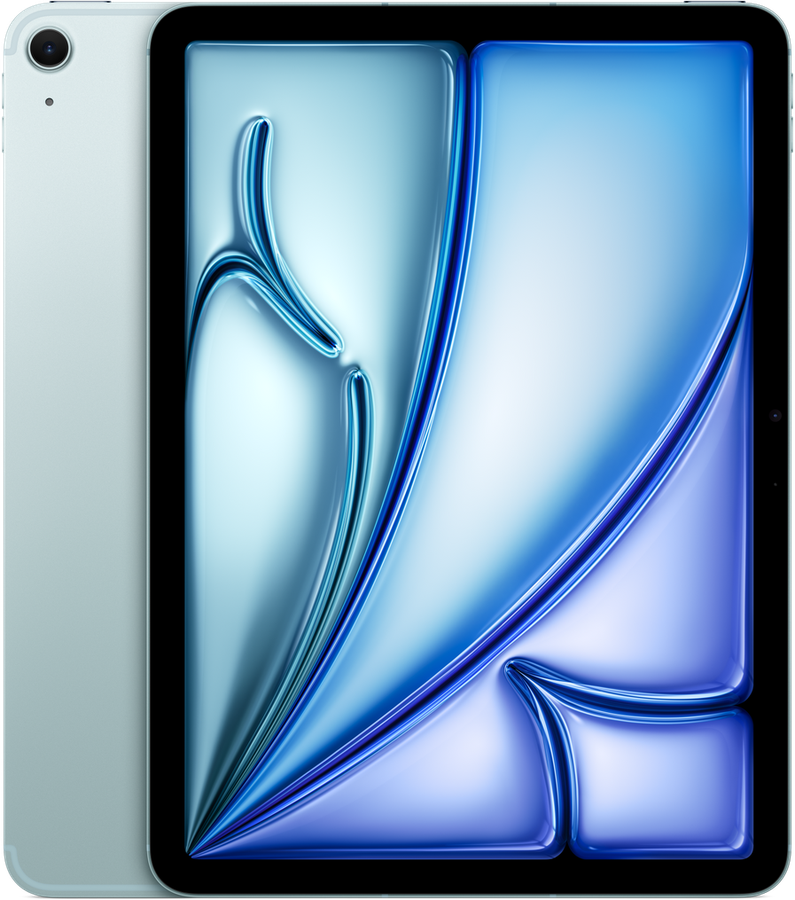
iPad Air (M-series, 11″ or 13″)

Ideal para: Premium entrances, VIP desks, brand events

  • 11″ or 13″ laminated display, anti-reflective
  • 12 MP camera, fast focus in low light
  • About 10 hours of screen-on time
  • iPadOS 17 or later

590+ registrations of the M-series iPad Air since 2024

iPad mini (8.3″)iOS app$$

Apple

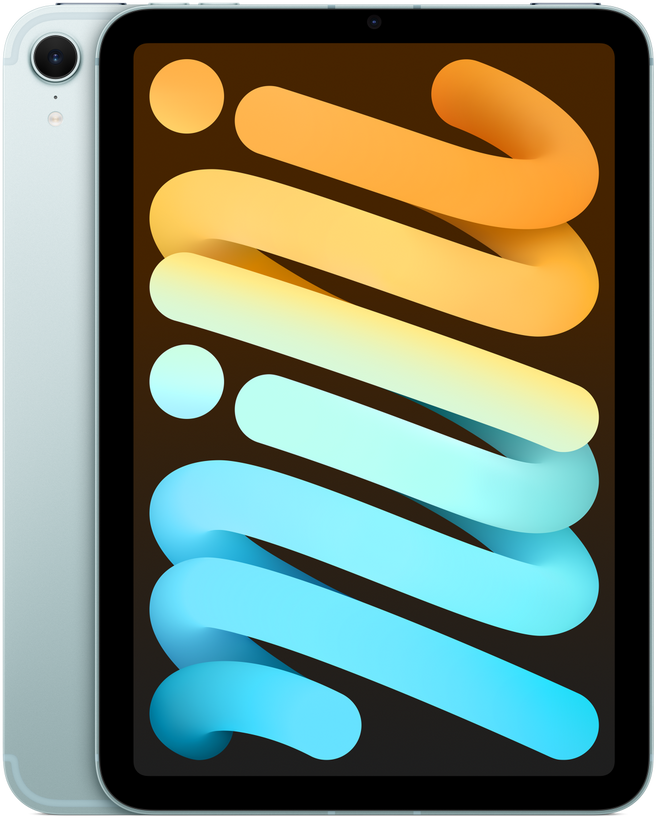
iPad mini (8.3″)

Ideal para: Roaming hostesses, queue busting, VIP escorts

  • 8.3″ Liquid Retina, fits one hand
  • 12 MP camera, scans QR codes in under a second
  • About 10 hours of screen-on time
  • iPadOS 17 or later

260+ registrations since 2024, the favourite of PR agencies

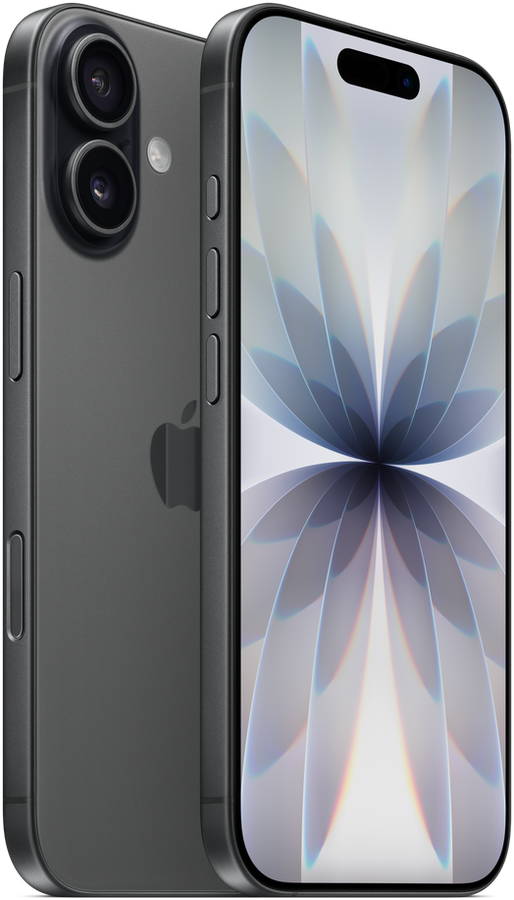
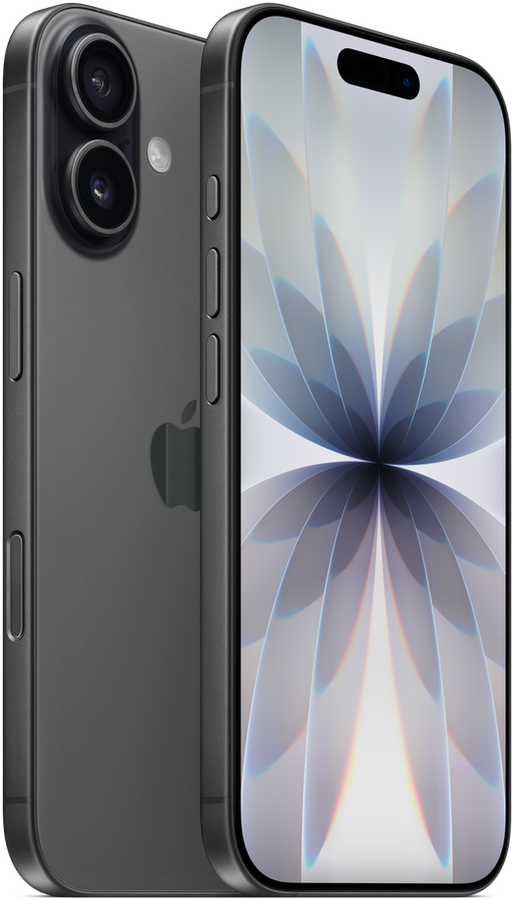
iPhone 13 to 17iOS app$$

Apple

iPhone 13 to 17

Ideal para: Any door. Your team already has one in their pocket

  • 6.1″ to 6.9″ OLED, bright enough outdoors
  • The fastest QR scanner we measure: lock-on in 0.4 s
  • A full evening on one charge; bring a power bank for all-day doors
  • iOS 15 or later (iPhone XR and newer)

The most common check-in device overall: 15,700+ iPhone registrations since 2024, 64% of all devices

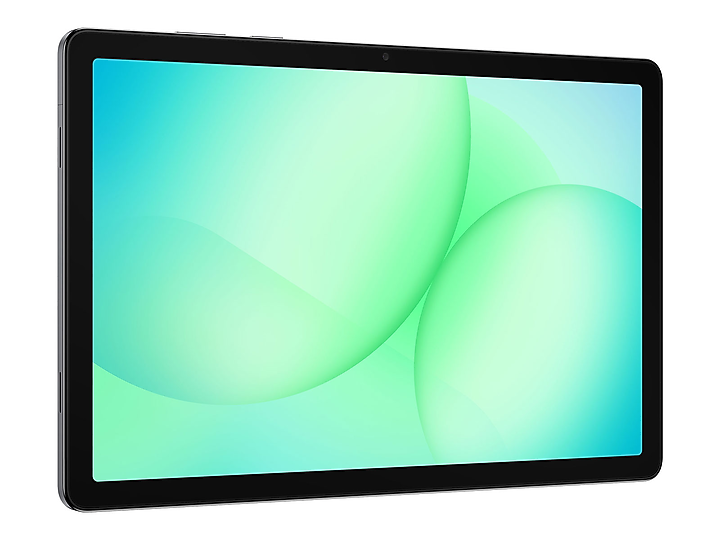
Samsung Galaxy Tab A11+ (11″)Android app$

Samsung

Samsung Galaxy Tab A11+ (11″)

Ideal para: Multi-device setups on a budget, rental fleets

  • 11″ LCD, 90 Hz
  • 8 MP camera, reliable for QR codes at close range
  • About 10 hours, charges over USB-C
  • Android 13 or later

The most used Android tablet line: 440+ registrations of the Galaxy Tab A8 and A9 since 2024

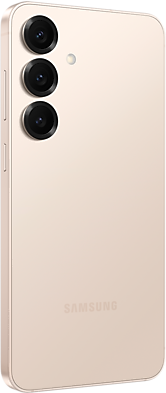
Samsung Galaxy S23 to S25Android app$$

Samsung

Samsung Galaxy S23 to S25

Ideal para: Android teams, promoters with their own phones

  • 6.1″ to 6.9″ AMOLED
  • 50 MP camera, quick QR lock-on
  • A full evening on one charge
  • Android 13 or later

190+ registrations of the Galaxy S series since 2024

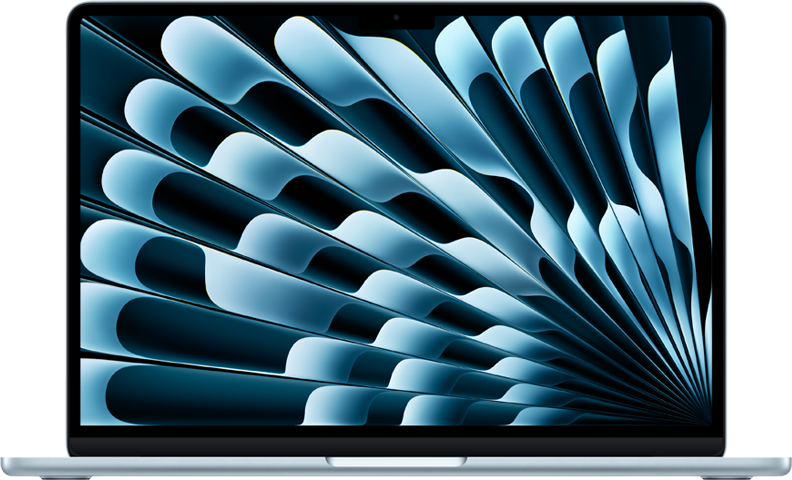
MacBook Air or MacBook ProWeb dashboard$$$

Apple · Safari or Chrome

MacBook Air or MacBook Pro

Ideal para: Registration desks, back office, the organizer’s own laptop

  • 13″ to 16″: search, filters and live counters side by side
  • No QR scanning and no offline mode: computers need a connection and check guests in by name
  • All day on battery, or plugged in at the desk
  • macOS with Safari, Chrome, Edge or Firefox

Check-in in the browser works like in the apps: search, tap, plus-ones, check-out. Two things only the iPhone, iPad and Android apps can do: scan QR codes with the camera, and keep checking guests in when the connection drops. Imports, exports and team management are web only.

Every event is created on the web dashboard; many registration desks check guests in there as well

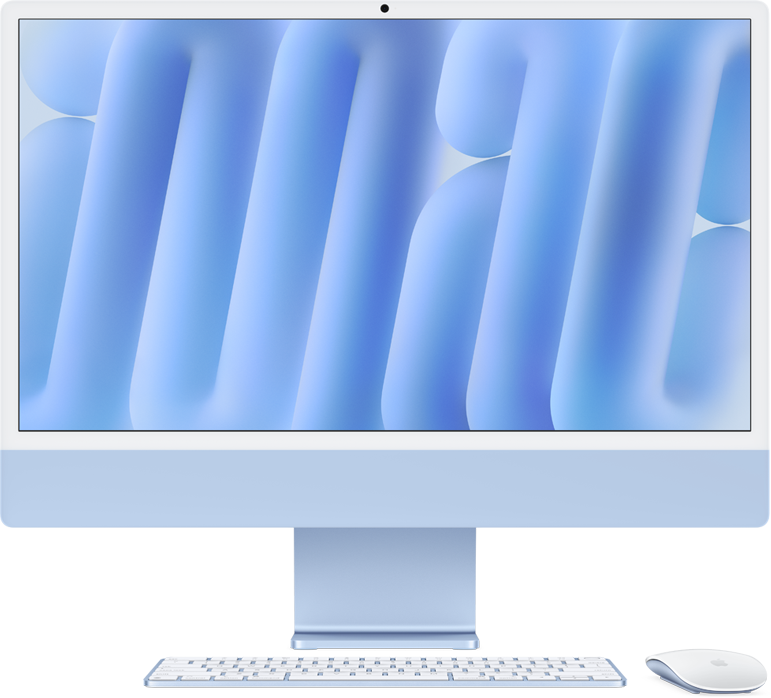
iMac (24″)Web dashboard$$$

Apple · Safari or Chrome

iMac (24″)

Ideal para: Fixed reception desks, hotel and venue front desks, back office

  • 24″ 4.5K display: the whole guest list without scrolling
  • No QR scanning and no offline mode: needs a connection, check-in by name
  • Mains powered
  • macOS with Safari, Chrome, Edge or Firefox

Used at reception desks that run several events a week from one screen

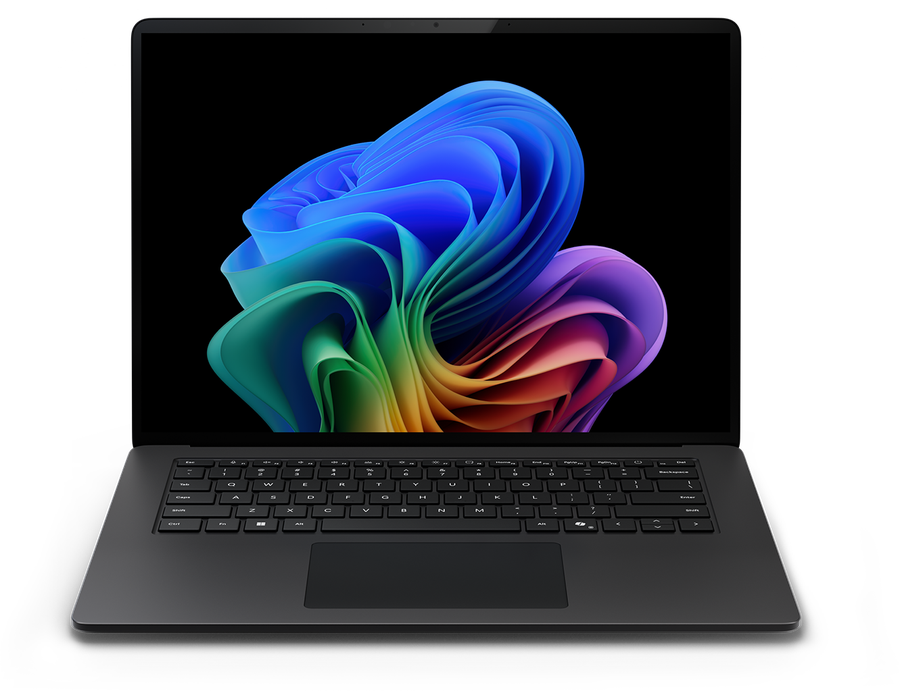
Windows laptop (Surface Laptop, ThinkPad, XPS…)Web dashboard$$

Microsoft, Lenovo, Dell, HP · Edge or Chrome

Windows laptop (Surface Laptop, ThinkPad, XPS…)

Ideal para: Corporate registration desks, back office, any company laptop

  • 13″ to 16″: the full dashboard with keyboard search
  • No QR scanning and no offline mode: needs a connection, check-in by name
  • A full day on most current models
  • Windows 10 or 11 with Edge, Chrome or Firefox

The web dashboard has no install and no admin rights required, so it runs on locked-down company laptops

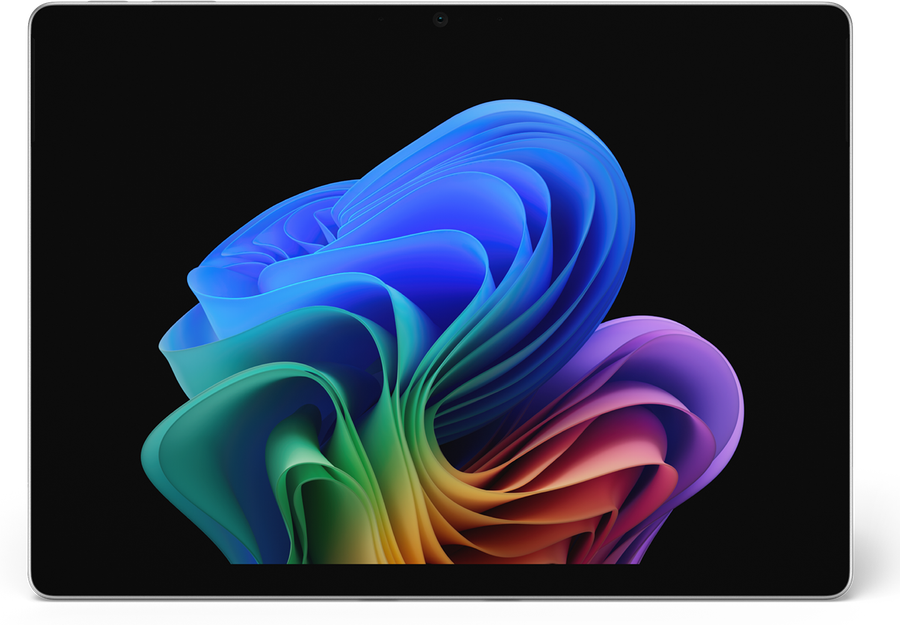
Microsoft Surface ProWeb dashboard$$$

Microsoft · Edge or Chrome

Microsoft Surface Pro

Ideal para: Corporate events where the IT department issues Surface devices

  • 13″ touch display, laptop or tablet
  • No app, so no QR scanning and no offline mode; the web dashboard needs a connection
  • About 10 hours
  • Windows 11 with Edge or Chrome

There is no Windows app. The web dashboard works with touch on the Surface, but it cannot scan QR codes and it cannot work offline. Pair it with an iPhone or Android phone for scanning.

Seen at corporate and conference desks running the web dashboard in tablet mode

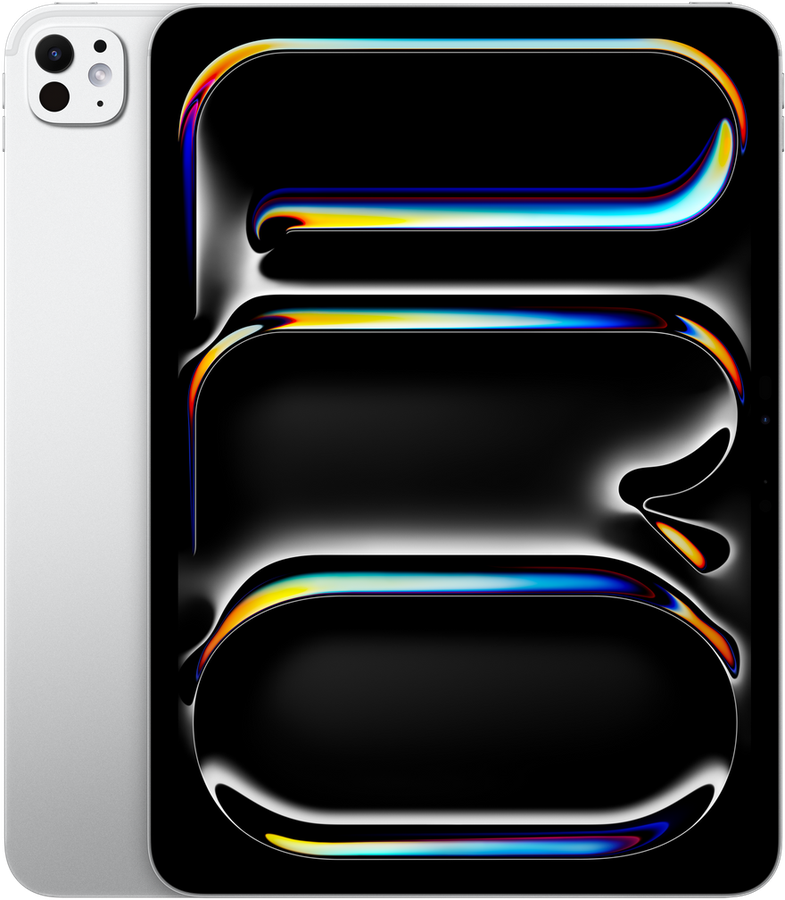
iPad Pro (11″ or 13″)iOS app$$$

Apple

iPad Pro (11″ or 13″)

Ideal para: Dark venues, clubs, stage-side check-in

  • 11″ or 13″ OLED, the brightest tablet display
  • 12 MP camera with LiDAR, excellent in dark venues
  • About 10 hours of screen-on time
  • iPadOS 17 or later

Popular with production companies; 380+ registrations since 2024

iPhone 11 to 12, iPhone SEiOS app$

Apple

iPhone 11 to 12, iPhone SE

Ideal para: Spare devices, second-hand fleets for one night

  • 4.7″ to 6.1″
  • Works well for QR codes; slower autofocus than newer models
  • Shorter than current models, keep a charger nearby
  • iOS 15 or later

Still 1,200+ registrations since 2024, mostly agency spares

  • Scan QR codes: the camera scanner exists only in the iPhone, iPad and Android apps.
  • Check guests in offline: the web dashboard needs a connection at all times. The apps keep working without one and sync later.
  • Add devices: a laptop does not count as a check-in device and does not consume a device slot.

Las cifras de uso son registros de dispositivos de check-in en eventos de Eventor entre enero de 2024 y septiembre de 2026 (24.748 dispositivos); los ordenadores usan el panel web y no se registran, por lo que sus notas son cualitativas. Las especificaciones son las publicadas por los fabricantes para los modelos actuales; las imágenes de producto son los renders de los propios fabricantes.

Antes de abrir las puertas

Energía para todo el turno

Un turno de puerta con la pantalla encendida agota un teléfono en 4 o 5 horas. Una batería externa por dispositivo o un soporte con carga en el mostrador.

Brillo al máximo, bloqueo automático desactivado

Sube el brillo al máximo y desactiva el bloqueo automático en los ajustes; la app mantiene la lista en pantalla.

Una correa para el personal en movimiento

Una correa de mano o una funda con asa mantiene seguro un iPad mini o un teléfono en una fila en movimiento.

Datos móviles antes que el Wi-Fi del recinto

Apaga el Wi-Fi saturado del recinto y usa 4G/5G, o comparte la conexión de un teléfono con las tabletas. Los check-ins se guardan sin conexión de todos modos.

Dispositivos de alquiler

Los iPads de alquiler llegan vacíos: instala la app, inicia sesión con una cuenta del equipo y abre el evento con conexión antes del día del evento.

Una cuenta por rol

Da a las anfitrionas un acceso de solo check-in y reserva la cuenta propietaria para la oficina. Los roles aplican en todos los dispositivos.

No compatible, y qué hacer en su lugar

  • Amazon Fire tabletsNo Google Play; the Android app cannot be installed. Fire tablets do work with the web dashboard in the Silk browser.
  • Devices below iOS 15 or Android 7Older iPads (e.g. iPad 4, Air 1, mini 2) and old Android tablets are no longer supported by the apps. The web dashboard still works in their browsers.
  • Dedicated barcode scanner gunsNot needed. The phone camera is the scanner. Bluetooth scanners are not supported by the apps.

¿No sabes qué comprar o alquilar?

Envíanos el tamaño de tu evento, el número de entradas y tu presupuesto. Te respondemos con una lista de dispositivos y, para eventos grandes, te indicamos socios de alquiler.

support@eventor.app

Tu próximo evento merece una entrada sin filas

Crea un evento, arrastra tu lista de Excel y entrega la app a tu equipo de puerta. Toma minutos, no una capacitación.

Gratis hasta 30 invitados · Sin tarjeta de crédito · iPhone, iPad, Android y web